GTA: Race with Cops 3D
Race through a neon-lit city, dodge police patrols, use alleys and tunnels to escape, and choose modes from Free Roam to Survival and Pursuit.
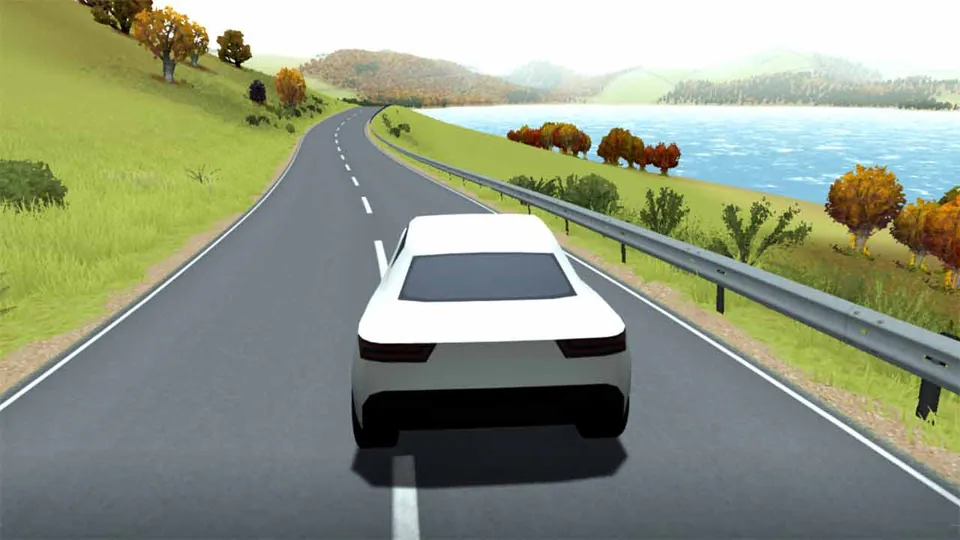
GTA: Race with Cops 3D is a 3D driving game about escaping police pursuit across a neon-lit city. Wide avenues let you build speed, while tunnels and narrow alleyways give you different routes when patrol cars close in.
About GTA: Race with Cops 3D
Choose how you want to drive through the city. Free Roam lets you explore without pursuit pressure. Survival Mode asks you to avoid the police for as long as possible, while Pursuit Mode starts the chase immediately. Trailblazer Mode adds checkpoints, so reaching the next marker matters as much as keeping your speed up.
The city layout changes how you handle each run. Use open roads when you need acceleration, then turn into side streets or alleys to break the police’s line of sight. Tunnels can offer an escape route, but tight spaces leave less room to correct a bad turn.
How to Play GTA: Race with Cops 3D
Your main task is to stay ahead of patrol cars while navigating the city. Driving straight and relying only on speed makes you easier to track. Change routes often, use sudden turns, and slow down slightly before tight corners so you don’t lose control.
Collisions damage your car and make getting caught more likely. The handbrake helps with sharp turns, especially in alleys. Practice in Free Roam to learn the streets before taking on Survival or Pursuit mode.
The garage also lets you customize visual parts of your car, including the bumpers, side skirts, wheels, spoiler, grille, exhaust, hood, and full-body paint.
Tips for GTA: Race with Cops 3D
- Use side streets and alleys to break police tracking lines.
- Switch routes instead of driving in a straight line.
- Brake before tight turns so repeated collisions don’t damage your car.
- Use the handbrake for sharper turns.
- Practice the city in Free Roam before entering a chase-focused mode.
Game Controls
- W / Up Arrow - Accelerate
- S / Down Arrow - Brake or reverse
- A / Left Arrow - Turn left
- D / Right Arrow - Turn right
- Spacebar - Use the handbrake
- C - Change the camera view
- Esc - Pause the game