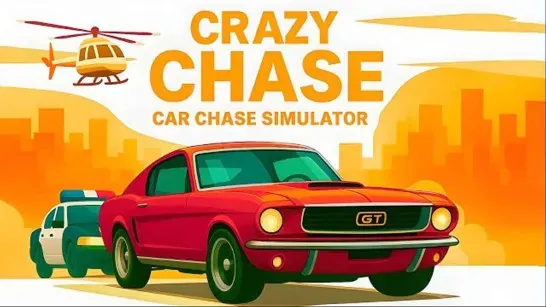


Crazy Chase - Car Chase Simulator
Outrun an endless police pursuit, drift around blocked streets, collect temporary boosts, and unlock getaway cars in Crazy Chase.
Crazy Chase - Car Chase Simulator starts with a getaway car already under pressure. Police arrive from several directions, traffic closes the easy lane, and the next ramp or power-up may be the only clean route through the intersection.
About Crazy Chase - Car Chase Simulator
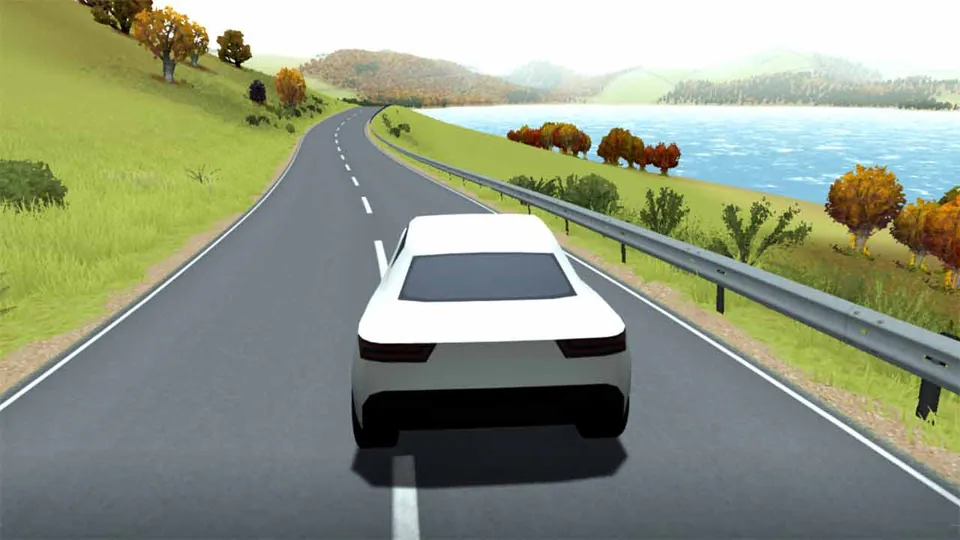
Crazy Chase - Car Chase Simulator is an endless driving game set in a low-poly city. The goal is not to reach a finish line. You keep moving, avoid police cars and traffic, cover more distance, and survive until the pursuit finally stops the run.
The city includes ramps, destructible barriers, blocked lanes, and temporary boosts. Slow-Mo gives you more time to read a crowded road, Freeze briefly stops nearby threats, and Nitro creates a burst of speed. Coins and completed runs unlock additional getaway cars with different handling.
How to Play Crazy Chase - Car Chase Simulator
Steer with WASD or the arrow keys and use Spacebar as a handbrake. A wide turn preserves speed on an open road, but a quick handbrake slide can redirect the car when police close the outside lane.
Look beyond the closest obstacle. A gap is useful only when it leaves room for the next turn, so scan for traffic, ramps, and police positions before committing. Stopping lets the pursuit surround you.
Use boosts for a specific problem. Slow-Mo is valuable when several lanes collapse at once. Freeze creates room when police form a box, while Nitro works best on a visible stretch of road or before a ramp.
Tips for Crazy Chase - Car Chase Simulator
Keep an exit lane open
Avoid driving into corners where traffic and police can remove every route at once.Drift to change direction, not constantly
Save the handbrake for tight turns and roadblocks so the car remains controllable.Use boosts before the trap closes
Slow-Mo and Freeze help most while there is still space to choose a direction.Read the landing area
A ramp escapes the cars behind you only when the road ahead is clear enough to land.
Game Controls
- WASD or Arrow Keys - Steer and control the car.
- Spacebar - Use the handbrake for sharp turns and drifts.
FAQ
Does Crazy Chase - Car Chase Simulator have a finish line?
No. It is an endless pursuit in which distance and survival define the run.
Which power-ups are available?
Slow-Mo slows the action, Freeze stops nearby threats briefly, and Nitro provides a burst of speed.
How are more cars unlocked?
Distance, completed runs, and collected coins contribute to unlocking additional getaway cars.
Crazy Chase - Car Chase Simulator keeps the objective simple: stay mobile, preserve an escape route, and use each boost before the police close the gap.