







Cars Arena
Steer across a collapsing hex-tile arena, jump gaps, outmaneuver four rival cars, and survive until you’re the last vehicle standing.
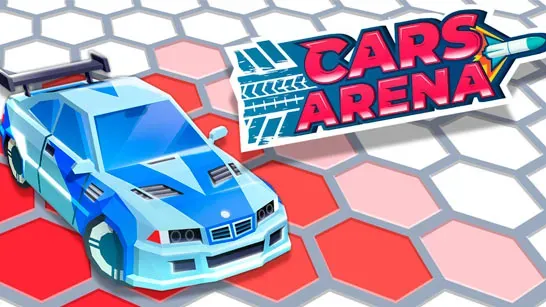
Cars Arena turns driving into a fight for solid ground. Five cars share a floating hexagonal platform, and every vehicle leaves a trail that changes tiles from white to pink to red before they collapse into the water. Stay on the remaining tiles while cutting off rival cars, and you’ll win when your car is the last one left.
How to Play Cars Arena
Your car accelerates automatically, so focus on steering, positioning, and timing your jumps. The arena has a single layer; fall through an opening and the round ends unless a revival booster brings your car back once.
Watch the floor several tiles ahead. A pink or red route may disappear before you reach it, especially after another car crosses your path. Keep more than one escape route open, and avoid narrow sections where a rival can cut you off.
Your tire trail is both a hazard and a weapon. Use a wide curve to divide the arena or leave a rival on a small island. Collisions can push other cars, and approaching from the side gives you a better chance to change their direction without driving straight into the same gap.
Jumps carry you over red tiles and empty sections, but the landing area still matters. Aim for solid white tiles instead of jumping toward ground that is already changing color. You don’t need to chase every rival early in the round; preserving space lets the collapsing arena eliminate cars for you. Become more aggressive when only one or two opponents remain.
A round ends when only one car remains. Winning awards coins, while results also add XP toward a reward chest. Chests provide gears for the Garage, where gears unlock equipment and construction stages for new vehicles. Cars and trail effects are cosmetic, so steering, timing, and positioning decide the contest rather than the vehicle’s price.
Game Controls
- A or Left Arrow - Steer left
- D or Right Arrow - Steer right
- W, Up Arrow, or Space - Jump
- Left Mouse Button - Jump and navigate menus where supported
- Drag - Steer on touchscreen
- Tap - Jump on touchscreen