





Return Man
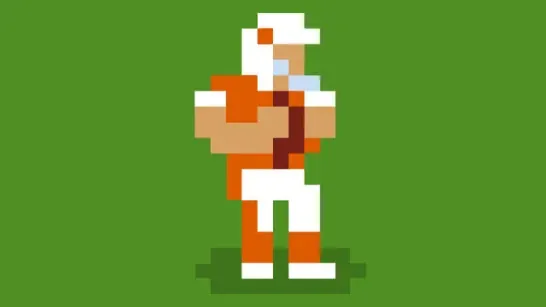
Catch the kickoff, dodge defenders, use special moves, and run to the end zone in Return Man, a skill-based American football game.
About Return Man
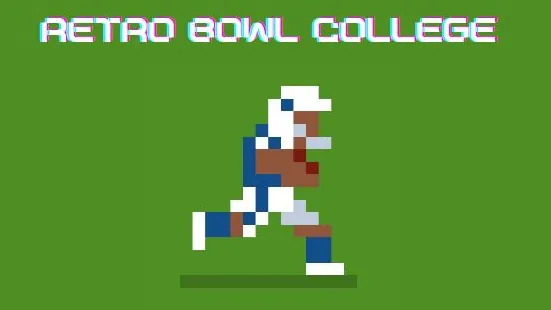
Return Man puts you in the kick returner role. Each play starts with a kickoff, and your goal is to catch the ball, weave through defenders, and reach the end zone for a touchdown.
The catch sets up the entire return. Move into the yellow target circle before it fills to secure the ball cleanly. Miss the timing and you’ll need to recover the live ball while defenders close in.
How to Play Return Man
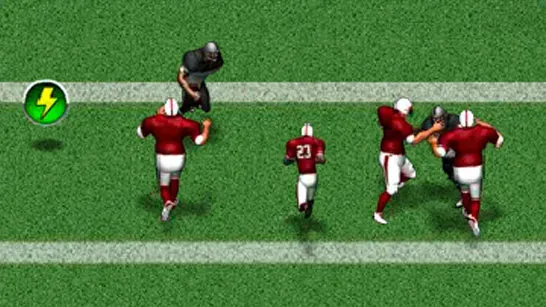
Once you have possession, steer through waves of defenders and use teammates as blockers. The kicker can slow you down on contact, while slippery snow, mud, and ice surfaces make movement harder. Reach the end zone to score; fail to score and you lose possession.
Lightning bolts provide a speed burst and bonus points. Cleats stop you from slipping on difficult surfaces, so watch for those boosts when the field becomes hazardous.
Special moves help you escape tight situations. Press A for a spin, S for a speed burst, or D for a front flip. Each move has a charge bar and can be used only once per play, so save it for the moment a defender closes off your route.
New stages unlock as you progress, and later stages increase the challenge. Special moves and extra possessions also become available as you advance, while cleared stages save your progress for a later return.
Tips for Return Man
- Time the catch: Reach the yellow target circle before it fills so you start the play with possession.
- Use blockers: Follow teammates when defenders form a wall, then use a special move to break through a narrow gap.
- Save your move: Spin, burst, and front flip each work once per play, so avoid spending one before the main tackle threat appears.
- Watch the surface: Look for cleats when snow, mud, or ice makes the return slippery.
Game Controls
- I - Move forward
- J - Move left
- L - Move right
- A - Spin
- S - Speed burst
- D - Front flip
- Arrow keys - Alternative movement controls
- WASD - Optional movement layout in the settings menu
- Space - Advance through menus and screens