
GTA 6
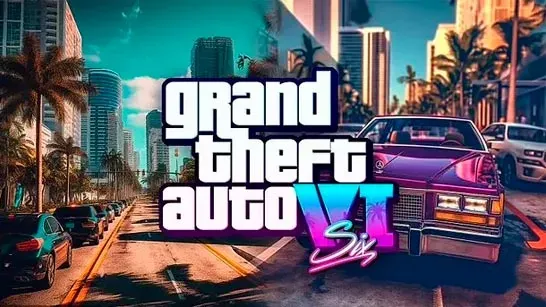
Explore an open city, take vehicles, start driving or combat missions, switch between two characters, and escape police chases.
GTA 6 is an independent browser game set in a modern, crime-filled coastal city. It is not the official console release and is not connected to its publisher. You can explore the open map on foot, take a nearby vehicle, and choose when to follow a mission marker or roam the streets.
How to Play GTA 6
Check the mini-map for mission markers, or press M to open the full map. Walk or drive into a marker to start a task. Missions include driving and combat, so keep a vehicle nearby when you expect trouble.
The city stays open from the start, with streets, coastal roads, quieter areas, suburbs, and rural surroundings to explore. Parked or passing sedans, sports cars, and vans can get you around faster. Vehicle weight and speed affect cornering, while a short handbrake tap helps turn through tight corners. Hold it too long and the car may spin.
Police arrive when trouble breaks out. You can fight with pistols, rifles, or shotguns, but escaping is often simpler: use alleys, side streets, and parallel roads to break line of sight. Keep driving far enough away for the chase to end.
Two playable characters share the map, and you can press T while on foot to switch between them. There is no fixed mission order, so choose a marker, prepare an escape route, and decide whether to stay mobile or take the fight.
Game Controls
- WASD - Move on foot and drive
- Shift - Sprint
- F - Enter or exit a vehicle
- Left mouse button - Fire
- Right mouse button - Aim
- R - Reload
- 1-5 - Select a weapon
- T - Switch character while on foot
- V - Change the camera view
- M - Open the map
- Esc - Pause