


GTA: Gangster Squad
GTA: Gangster Squad combines open-world action, third-person shooting, class skills, character customization, and fast multiplayer combat.
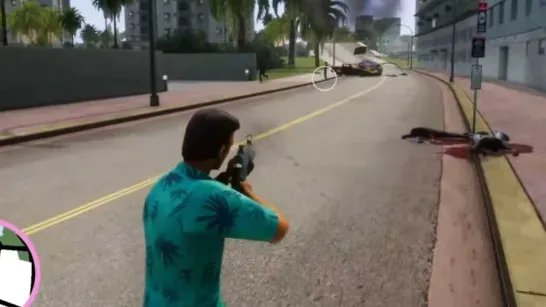
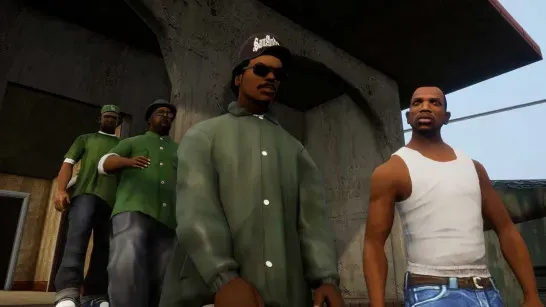
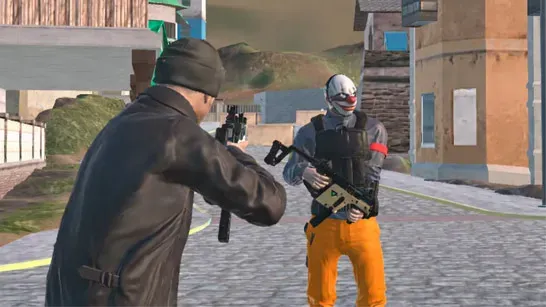
GTA: Gangster Squad combines an open-world setting with third-person shooting and multiplayer combat. You choose a gangster class, customize the character’s appearance, then enter a match where eliminating opponents and reaching the top of the scoreboard determine success.
How to Play GTA: Gangster Squad
Choose a class such as Medic or Engineer before the fight begins. Weapons include submachine guns and machine guns, while class skills give each role another combat option. Character customization covers the face, clothing, materials, colors, accessories, and taunt animations.
Positioning matters more than simply rushing into a fight. Use Q to take cover, then switch shoulders with V when you need a better angle around a corner. Roll with Space during firefights to avoid incoming damage, and use class skills early when they can affect an encounter instead of holding them indefinitely.
The match objective is to eliminate opponents and climb the scoreboard. Join an active room when possible so you can get into a populated match rather than waiting in an empty one. You can also taunt during battle with T.
Game Controls
- Move with WASD or the Arrow Keys.
- Hold Left Shift to sprint.
- Press Space to roll or dodge.
- Press E to interact or perform parkour actions.
- Press Q to take cover.
- Press V to switch the camera shoulder.
- Use the Left Mouse Button to fire and the Right Mouse Button to aim.
- Press R to reload, F for melee, and G to activate your class skill.
- Use the mouse wheel or Tab to switch weapons.
- Press T to taunt.
- Press P or Esc to pause.