



Geometry Dash
Geometry Dash is an iconic rhythm platformer where you guide a square avatar through neon obstacle courses synced to a pulse-pounding soundtrack. Jump, flip, and dash to the beat!
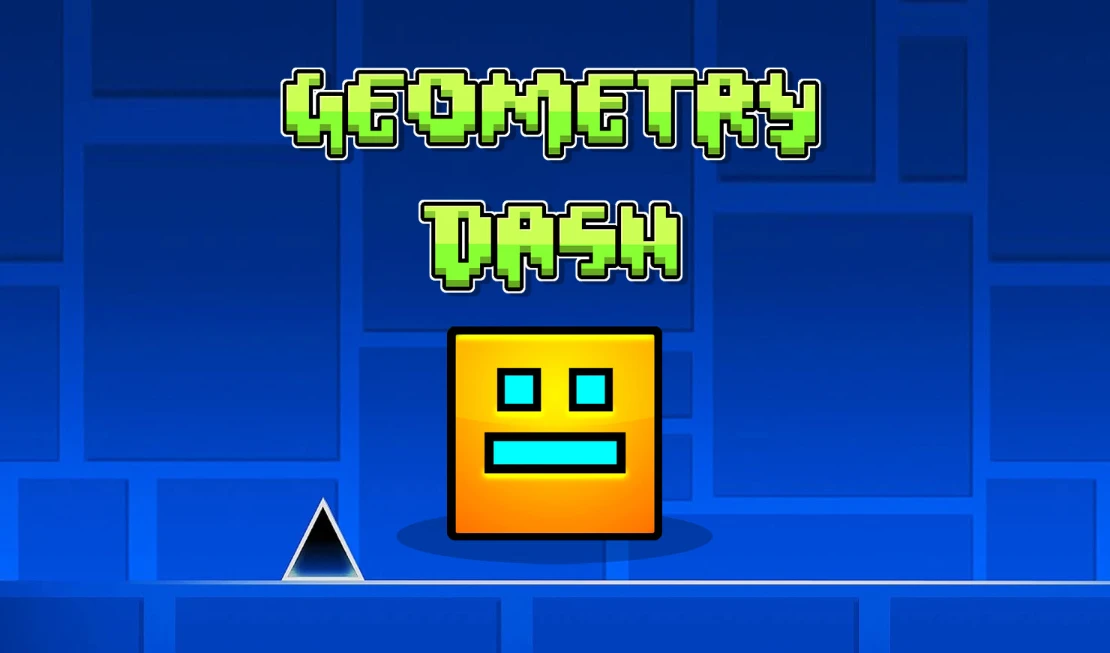
Geometry Dash throws you into a neon-lit world where every jump, flip, and dash must sync with a driving electronic beat. Created by RobTop Games, this rhythm platformer challenges you to guide a square-shaped avatar through deadly obstacle courses full of spikes, spinning blades, and gravity portals. One mistake sends you back to the start, but the instant retry loop keeps the adrenaline pumping. Play it free in your browser on OmiGames.
About Geometry Dash
Geometry Dash is a rhythm-based platformer that demands precise timing and fast reflexes. You control a cube (sometimes a ship or ball) through levels designed to match the music’s beat. Each level features its own soundtrack and unique pattern of obstacles, speed changes, and gravity flips. The goal is simple: reach the end without crashing. It’s a test of patience and muscle memory that has made it a staple among music fans and rhythm gamers. The game’s difficulty ramps from beginner-friendly to brutally hard, but the satisfaction of finally nailing a tricky section keeps players coming back.
How to Play Geometry Dash
The controls are straightforward: jump with the spacebar, up arrow, or left mouse click. Avoid all obstacles, including spikes, moving traps, and rotating blades. Practice mode lets you place checkpoints to hone tough sections. The game features multiple game modes (cube, ship, ball, etc.), each with different movement physics. Learning how each transforms is key to progressing.
Tips for Geometry Dash
- Use practice mode liberally: Place checkpoints to learn tricky sequences without restarting from scratch.
- Listen to the beat: The music directly cues jumps and obstacles; sync your clicks to the rhythm.
- Stay calm: Frustration leads to mistakes. Take short breaks if a level feels impossible.
- Master speed changes: Portals alter your speed; practice each speed zone separately.
Game Controls
- Spacebar / Up Arrow / Left Mouse Click: Jump
- Z: Quick Save (Practice Mode)
- X: Quick Load (Practice Mode)
- R :Restart level
- Esc :Pause
More Games Like Geometry Dash
If you enjoy the blend of rhythm, obstacle dodging, and fast-paced action, check out these similar titles:
- Geometry Dash Lite: A truncated free version with 15 levels, perfect for newcomers.
- Snow Rider 3D: Speed down snowy slopes with rhythmic dodges and dynamic obstacles.
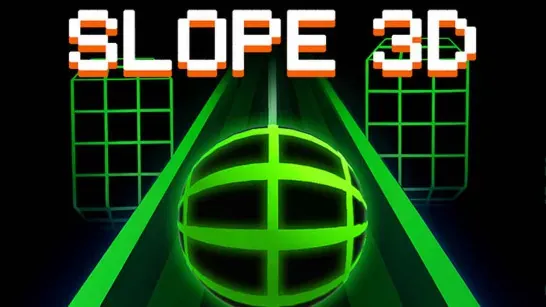
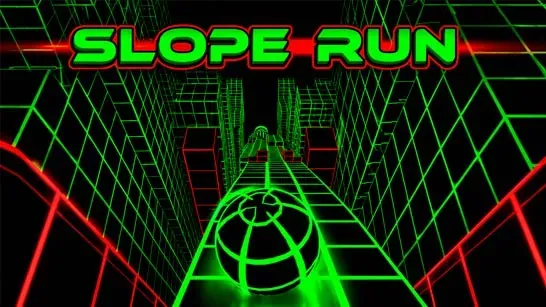
- Slope: Roll down neon tracks, dodging obstacles in a fast-paced reflex test.
FAQ
Can I play Geometry Dash on mobile?
Yes, official mobile versions are available for iOS and Android. The browser version on OmiGames works on desktop.
What happens if I crash?
You restart from the beginning of the level. Practice mode lets you set checkpoints to avoid restarting completely.
Is there a level editor in the browser version?
The browser version does not include a level editor; that feature is exclusive to the full paid app. However, the main levels offer plenty of challenge.
How many levels are in Geometry Dash?
The original game has 21 main levels, plus additional secret and bonus levels. Difficulty ranges from Easy to Demon.