


Geometry Dash Lite
Jump into Geometry Dash Lite now and test your rhythm, reflexes, and focus—can you survive the beat and conquer the spikes?
The first time I jumped into Geometry Dash Lite, I thought it was going to be just another simple rhythm platformer. Oh man—I was wrong. Within seconds, I was dodging spikes, flipping gravity, flying through tight corridors, and getting smashed by obstacles that were perfectly synced to the music. Geometry Dash Lite is the kind of game that looks easy from the outside, but once you start playing, it becomes a full-on adrenaline ride powered by beats, timing, and pure determination.
About Geometry Dash Lite
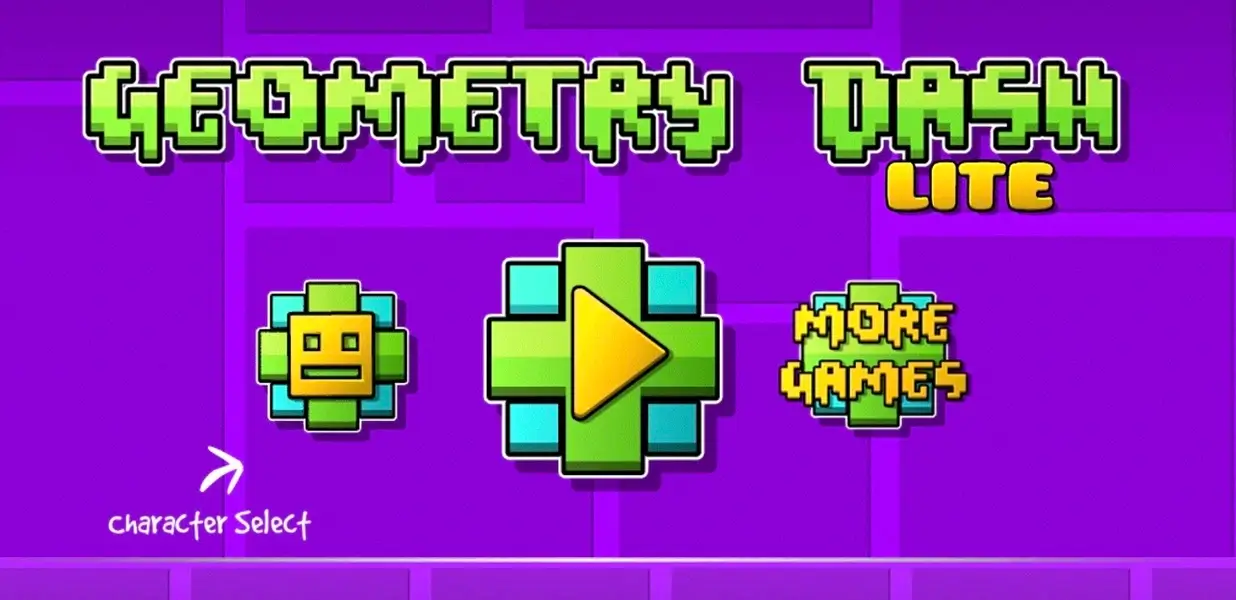
Geometry Dash Lite is a free version of Geometry Dash, which is a globally popular rhythm-based platformer created by Robert Topala. What makes this game stand out is its deceptively simple design: you control a little geometric icon—usually a cube—that automatically moves forward. Your job is to tap, jump, flip, or fly to avoid obstacles that appear in sync with the soundtrack. It feels like a mix of lightning-fast reflex tests and music-driven puzzles, wrapped in vibrant neon colors and sharp geometric shapes.
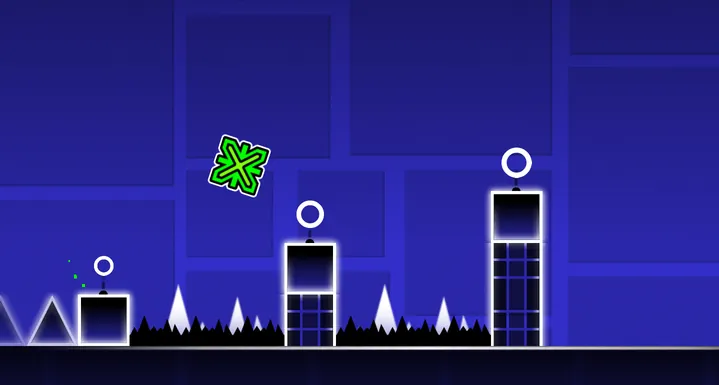
Since its original release in 2013, Geometry Dash Lite exploded into a worldwide sensation. Its one-button controls, iconic music, and brutally challenging levels made it a favorite among casual players, speedrunners, and hardcore rhythm fans. Over time, the game expanded into a much deeper ecosystem, including Lite versions, spinoffs, and a massive online community of players creating millions of custom levels.
Whether you’re here to break your personal limits, practice your timing, or just vibe with the music, Geometry Dash Lite delivers an addictive mix of rhythm and reflex that keeps you coming back for more.
Game Modes
Geometry Dash Lite includes two essential modes:
- Classic Mode: The standard way to beat levels. One mistake sends you all the way back to the start.
- Practice Mode: Allows checkpoints so you can learn each section, understand the rhythm, and gradually master the layout. You could click the Practice Mode to enable this mode:

If you get stuck—don’t worry. Geometry Dash Lite is designed to be played repeatedly. You learn, you improve, and eventually, you conquer.
Game Levels
Geometry Dash Lite has 15 levels, each with increasing difficulty:
| Level | Name | Difficulty |
|---|---|---|
| 1 | Stereo Madness | Easy |
| 2 | Back On Track | Easy |
| 3 | Polargeist | Normal |
| 4 | Dry Out | Normal |
| 5 | Base After Base | Hard |
| 6 | Can’t Let Go | Hard |
| 7 | Jumper | Harder |
| 8 | Time Machine | Harder |
| 9 | Cycles | Harder |
| 10 | xStep | Insane |
| 11 | Clutterfunk | Insane |
| 12 | Theory of Everything | Insane |
| 13 | Electroman Adventures | Insane |
| 14 | Clubstep | Demon |
| 15 | Electrodynamix | Insane |
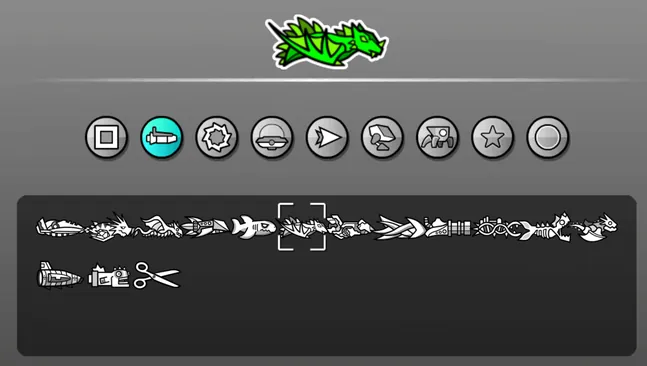
Characters Transformations
Geometry Dash Lite has many characters with different shapes, and every shape have its own way of moving:
| Mode | Description |
|---|---|
| Cube | The default mode. Your character jumps every time you tap. |
| Ship | Lets you fly. Your altitude depends on how you tap—hold to rise quickly, release to glide downward. |
| Ball | Turns your character into a rolling ball. Each tap flips gravity, sending you toward the opposite direction. |
| UFO | Puts you in a flying state, but unlike the Ship, each tap makes you hop upward a fixed distance—no holding allowed. |
| Wave | Makes your character move diagonally. Hold to move upward at an angle, release to move downward. This mode isn’t available in platform levels. |
| Robot | Similar to the Cube, but jump height varies. A light tap gives you a short hop, while holding (up to a limit) makes you jump higher. |
| Spider | Works like the Ball, but instead of rolling, each tap instantly flips your gravity in sharp, quick movements. |
| Swing | A flying-style mode where each tap switches your gravity direction. This mode isn’t available in platform levels. |
Diffrences between Geometry Dash Lite with Geometry Dash
After introducing the two most popular versions of the Geometry Dash series, here are the key differences between them.
| Geometry Dash | Geometry Dash Lite |
|---|---|
| Paid | Free |
| 22 main levels and 4 platformer levels | 15 classic levels |
| All features | No level editor, map packs, and gauntlets |
| All collectibles | No creator points |
| All rooms accessible | Limited access for Basement and Chamber of Time |
Geometry Dash’ Spin-offs
Geometry Dash has some other popular spin-offs:
- Geometry Dash Lite (current game) – A free, smaller version with 15 classic levels.
- Geometry Dash Meltdown – Lava-themed levels with explosive difficulty.
- Geometry Dash World – Island-based progression with unique designs.
- Geometry Dash SubZero – Ice-themed, visually intense levels with iconic music.
If you’re craving endless challenges, the user-created levels and spinoff games will keep you busy for years.
How to Play Geometry Dash Lite
Geometry Dash Lite seems simple at first glance. Your character moves forward automatically, and all you need to do is jump or control flight depending on the form you’re in. But every obstacle is placed perfectly to the beat, so staying alive requires razor-sharp timing.
Levels include speed changes, reverse gravity, teleport portals, tight jumps, and perfectly synced beats that force you to stay locked in.
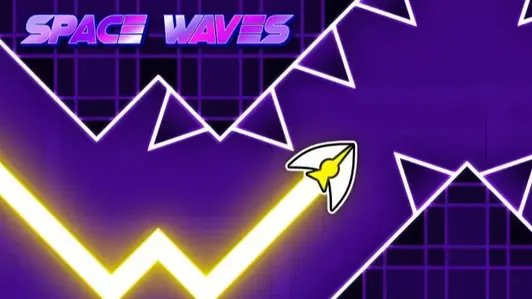
Just like Space Waves, the key to mastering Geometry Dash Lite is understanding the rhythm. Every jump, flip, and flight path is tied directly to the music. You can technically play without sound, but the best players always tune into the beat—it’s practically a built-in guide.
Game Controls
Jump
- Desktop: Left Click / Space / Up Arrow
- Mobile: Tap
Checkpoint
If you play in practice mode, you can press the Z key to activate checkpoints and use the X key to remove the closest one.
Tips and Tricks
Here are some beginner-friendly tips to help you survive longer:
- Use Practice Mode strategically – Master hard sections before making full runs.
- Avoid jumping too early – Timing is everything.
- Watch ahead, not just your icon – Anticipation is half the game.
- Take breaks – Some levels take hundreds of attempts. A fresh mind helps.
Key Features of Geometry Dash Lite
Rhythm-Based Action Platforming
Every jump and movement is perfectly synced with catchy, beat-heavy soundtracks.
Multiple Icon Forms
Cube, ship, ball, wave, robot, spider—each gameplay style adds unique challenges.
One-Button Controls
Simple enough for beginners, precise enough for experts.
Level Editor & Community Content
The game’s level editor produced over 95 million user-made levels, giving Geometry Dash Lite infinite replay value.
More Games Like Geometry Dash Lite
If you enjoyed Geometry Dash Lite’s rhythm-based chaos, you might also like:
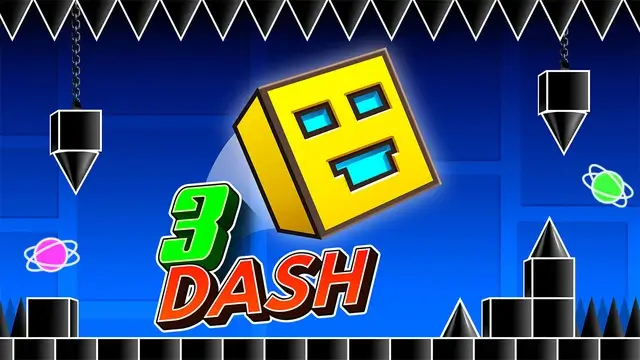
- Geometry Dash 3D
- Space Waves – A neon, rhythm-dodging challenge with fast-paced wave controls.
- Wave Dash – A sharp, difficult obstacle runner for players who crave intensity.
FAQ
Is Geometry Dash Lite free to play?
The Lite version is free, and many browser-based versions are also available for free.
Why do people search for Geometry Dash Lite unblocked?
Players—especially students—want access on school or restricted networks.
What makes Geometry Dash Lite so hard?
It mixes fast-paced movement, music-based timing, and instant punishment for mistakes.
Can kids play Geometry Dash Lite?
Yes! It’s non-violent, colorful, and great for improving hand–eye coordination and focus.