







Cooking Rage
Prepare international dishes, manage busy orders, upgrade your kitchen, and open restaurants around the world in Cooking Rage.
About Cooking Rage
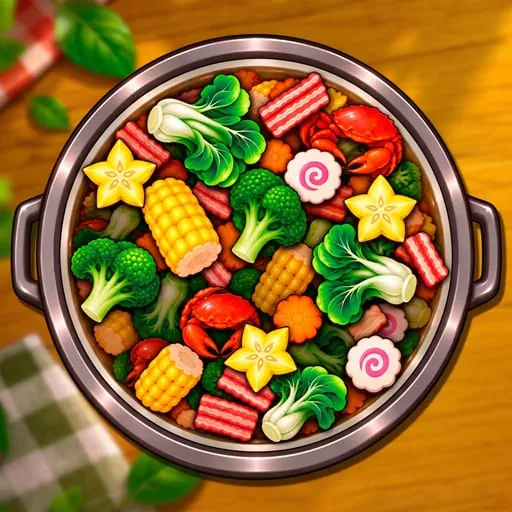
Cooking Rage is a restaurant cooking game about preparing dishes, serving hungry customers, and growing a worldwide restaurant business. You start with a restaurant and work through cuisines from places such as the United States and France, with new locations and recipes becoming part of your progress.
Each order follows a sequence of small steps. Chop ingredients, cook them at the right station, assemble the finished dish, and serve it before customers wait too long. The work becomes more demanding as you handle several stations and orders at once.
How to Play Cooking Rage
Watch the orders as they arrive and break each recipe into manageable steps. Prepare ingredients ahead of time, keep food cooking at the stations, and assemble an order when the remaining steps are ready. This keeps one customer from holding up the rest of the kitchen.
Timing matters throughout the shift. Food can burn if you leave it unattended, and customers become upset when they wait too long. Some challenges also add equipment malfunctions, VIP customers, or temporary power-ups to the kitchen routine.
Earn coins and stars from your service to unlock ingredients, recipes, and new locations. You can improve cooking speed, expand storage, reduce customer wait times, and purchase chef accessories that provide bonuses. Daily challenges offer another way to earn exclusive content.
Tips for Cooking Rage
- Prepare vegetables and other ingredients before the order reaches its final step.
- Keep an eye on every cooking station so food does not burn while you manage another order.
- Assemble dishes only when the necessary ingredients are ready, and avoid letting orders pile up.
- Spend coins and stars on the station and storage improvements that help you manage several orders at once.
Game Controls
- Left-click or tap to interact with cooking stations and the in-game interface.
- Double-click or double-tap to send an item to the trash.