


Gacha Life 3
Customize anime-inspired characters, arrange scenes and dialogue, and build stories with outfits, expressions, poses, backgrounds, and effects.
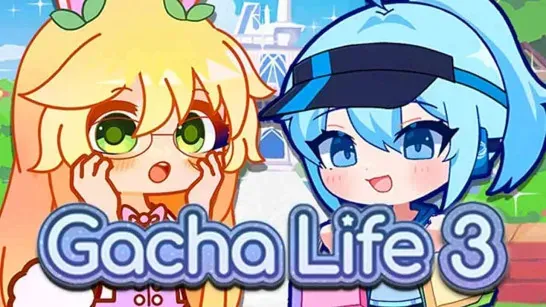
Gacha Life 3 combines detailed anime-inspired character customization with tools for arranging scenes and original stories. You control each character’s appearance, expression, and pose before placing them into a larger cast or scenario.
Customize Your Characters
Use the editor to change facial features, eyes, hairstyles, clothes, hats, accessories, and poses. Static and animated poses add movement or personality, while color sliders help you coordinate each part of the design. Toys and props can complete a character or add detail to a scene.
Multiple character slots let you manage a cast instead of replacing the same avatar whenever you start a new design.
Create Scenes and Stories
The scene builder supports dialogue, choices, and story routes. You can select backgrounds, add music, and use effects such as rain or snow to shape each scene. Quick save, load, and log features help you manage story progress.
Import and export codes provide a way to share creations or open stories made by other players.
How to Play Gacha Life 3
Select a character, then move through the face, hair, clothing, accessory, and pose menus. Choose an expression and pose that match the character’s role before arranging the scene and writing dialogue. Use character slots and quick saves to keep different cast members and story versions organized.
Game Controls
- Left Mouse Button - Select characters, menus, outfits, poses, backgrounds, and dialogue options.
- Mouse Movement - Drag sliders and arrange editable scene elements.