
Anime Dress Up
Create an anime character by choosing facial features, hair, makeup, outfits, accessories, fantasy details, and pets in a relaxed dress-up game.
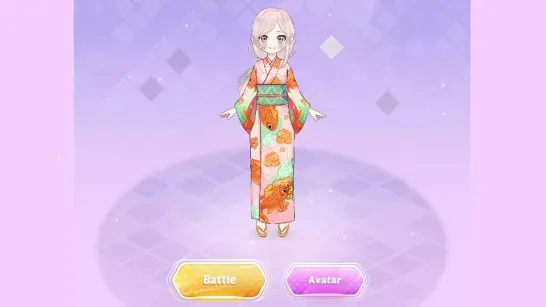
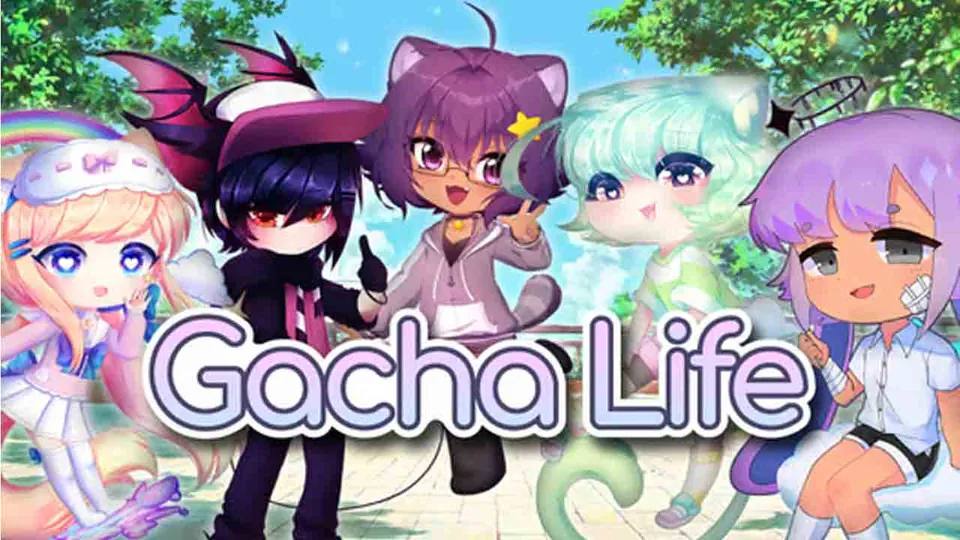
Anime Dress Up is a casual fashion game where you shape an anime character from facial features to final accessories. Choose a look, coordinate an outfit, and add fantasy details or a small companion to complete the design.
About Anime Dress Up
You can customize eye shapes, skin colors, hairstyles, makeup, clothing, footwear, and accessories. The wardrobe covers styles such as school uniforms, elegant dresses, street clothes, and fantasy costumes, with shoes, stockings, and bags available to match.
Magical extras can change the character’s theme. Add wings, tails, sparkles, horns, or a pet to create anything from an angelic figure to a darker demon-inspired design. There is no timer, so you can revise the look and try different combinations at your own pace.
How to Play Anime Dress Up
Click an item to select it, then choose any available colors, textures, or variations. Work through the face, hair, makeup, clothes, shoes, and accessories, mixing pieces until they fit your chosen theme. Finish with wings, tails, pets, or other decorative additions.
Tips for Anime Dress Up
- Choose the face first. Eye shape and color establish the character’s overall style before you select an outfit.
- Set a theme early. A casual, elegant, gothic, sporty, school, or fantasy theme gives you a clear direction for later choices.
- Coordinate the colors. Repeating or matching shades can tie separate clothing pieces together.
- Save accessories for last. Add bags, wings, horns, pets, and similar details after the main outfit is in place.
- Try unusual combinations. Mixing items from different themes may produce a more distinctive character.
Game Controls
- Left mouse button - Select makeup, clothing, colors, and accessories.
- Click and hold - Apply or adjust supported items.