




Avatar World Beauty Salon
Style Avatar World characters with salon tools, makeup, outfits, and photo backgrounds in this creative beauty and fashion simulator.
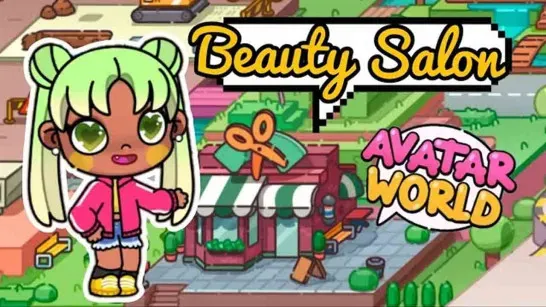
Avatar World Beauty Salon is a casual beauty and fashion simulator where you create custom looks for Avatar World characters. Move through the salon, change hair and makeup, choose an outfit, and finish with a photo session against a background you select.
How to Play Avatar World Beauty Salon
Start in the hair studio and use scissors, clippers, curlers, straighteners, blow dryers, dyes, extensions, and trims to shape a hairstyle. You can cut bangs, curl the ends, straighten hair, or choose a bold or pastel color.
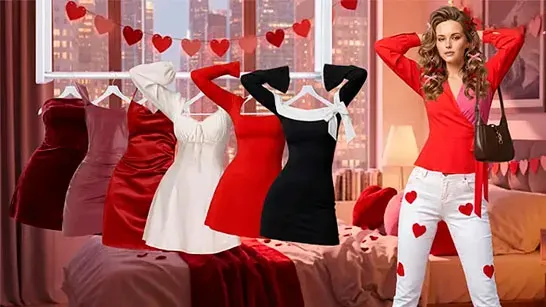
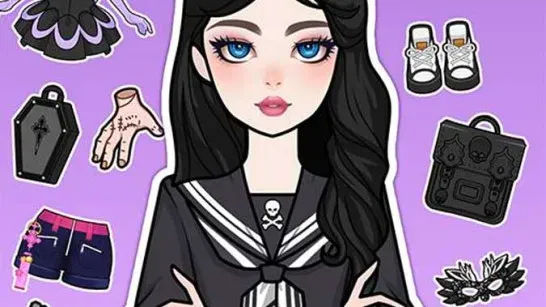
Move to the makeup room to adjust skin tone and eye shape, then add brows, lashes, eye shadow, blush, lipstick, rhinestones, and other decorative details. The fashion boutique adds dresses, tops, bottoms, suits, shoes, accessories, and themed sets to the look.
When the makeover is ready, enter the photo booth. Choose a bright or themed background, position the character, and save the finished image for a profile picture, icon, or social post.
Game Controls
- Click and drag - Move characters and use salon tools
- Left-click - Select hairstyles, makeup, outfits, and colors
- Hold and drag - Cut, curl, straighten, or dye hair
- Click - Switch between the salon, makeup room, wardrobe, and photo booth