






Toca World Online
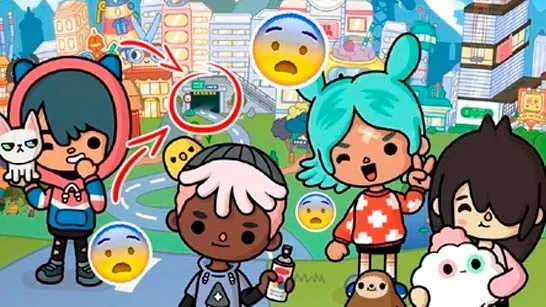
Create characters, explore colorful locations, decorate homes and businesses, and build your own stories in Toca World Online’s open-world sandbox.
Toca World Online is an open-world sandbox where you design characters, arrange spaces, explore colorful locations, and make your own stories. There are no missions, scores, or timers directing your next move, so the main goal is to shape scenes around the ideas you want to try.
About Toca World Online
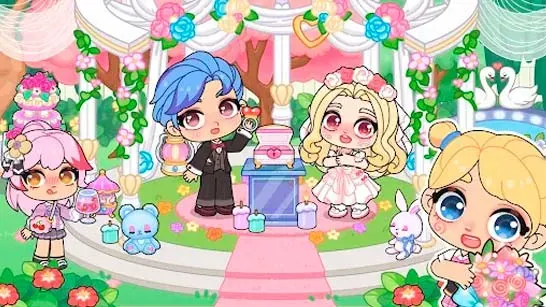
Start by creating a cast of characters with different hairstyles, outfits, accessories, and facial features. You can then place them in houses, shops, restaurants, beaches, and other themed locations. Characters move, react with emotions, and interact with objects as you build scenes around them.
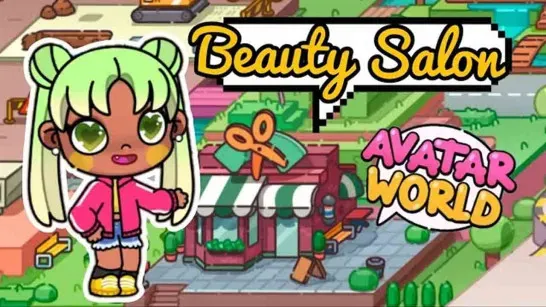
The same tools support different kinds of stories. Set up a café, pet daycare, boutique, or neighborhood, then use furniture and decorations to give each space its own purpose. You can also plan parties, school events, or ongoing roleplay stories with recurring characters.
How to Play Toca World Online
Click a character or object to interact with it. Drag furniture, decorations, and other items into position to rearrange a room. Menu buttons let you change outfits, emotions, and settings.
Because Toca World Online has no fixed missions or time limits, progression comes from the spaces and stories you create. Try building one location first, then connect it to other homes, businesses, or themed areas. Give characters distinct outfits and emotions so each one has a clear role in the scene.
Tips for Toca World Online
Build around a setting
Start with a restaurant, beach party, pet daycare, or neighborhood, then add characters and objects that fit the story.Use several locations
Move the same characters between homes, shops, restaurants, and beaches to connect separate scenes into one story.Give characters different identities
Change their outfits, accessories, facial features, and emotions to make their roles easier to follow.
Game Controls
Use the mouse to select characters and interact with objects. Drag and drop furniture or decorations to rearrange spaces, then use the menu buttons to customize characters and settings.