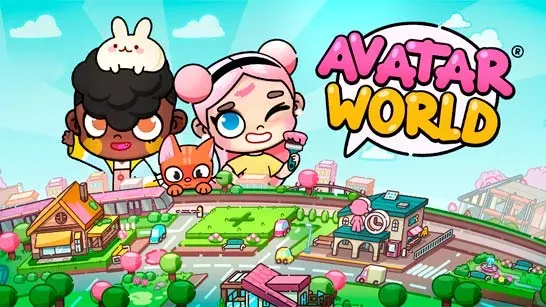






Avatar World
Create avatars, dress them up, decorate homes, explore seven locations, and build your own stories with characters, pets, and interactive props.
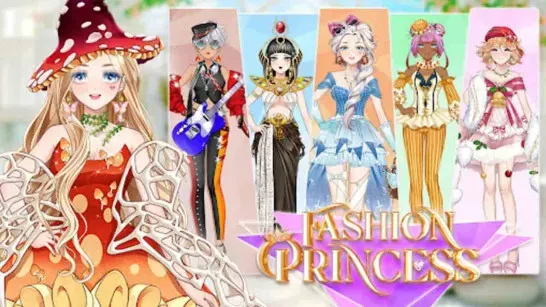
Avatar World is a colorful life simulation and roleplay game where you decide what happens next. Create avatars, change their hairstyles and outfits, decorate rooms, explore interactive locations, and arrange characters, pets, and props into your own scenes.
About Avatar World
There is no fixed path, score, or single way to finish Avatar World. The game focuses on creativity: you can redesign a character, move objects around a room, explore a location for hidden details, or connect several characters through a story.
The world includes seven scenarios: School, Train Station, Hairdresser, Home, Clothing Store, Sweet Shop, and Plantation. Each location contains characters or objects to interact with, while homes give you space to arrange furniture and decorations around your ideas.
How to Play Avatar World
Start by creating avatars with different hairstyles, outfits, and accessories. Then take them into the available locations and use the surrounding objects to shape a scene. You can move characters, reposition furniture, dress avatars, and place props wherever they fit your story.
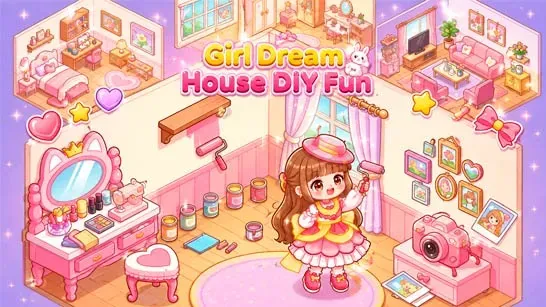
Home decoration is another central activity. Arrange furniture and decorative items to design themed rooms, then use those spaces with your characters and pets. Explore each scenario carefully, since different locations may contain interactive items and details that help you build new scenes.
Because Avatar World has no single right way to play, success means creating the characters, rooms, and stories you want. Try different combinations of clothing and props, and move objects around to see how they work together.
Tips for Avatar World
- Explore every scenario: Check each location for interactive items and details you might miss at first.
- Build themed rooms: Arrange furniture and decorations around a clear purpose or style.
- Experiment with props: Move and combine objects to develop new scenes.
- Change your avatars: Mix hairstyles, outfits, and accessories to give each character a different look.
- Connect locations through stories: Use the same characters across homes, shops, and other scenarios to create a larger roleplay idea.
Game Controls
On desktop, use the left mouse button to select characters, clothing, furniture, and other interactive objects. Click and drag to move characters or reposition objects, then drag and drop clothing, furniture, and props into place.