




Magical Forest Mahjong
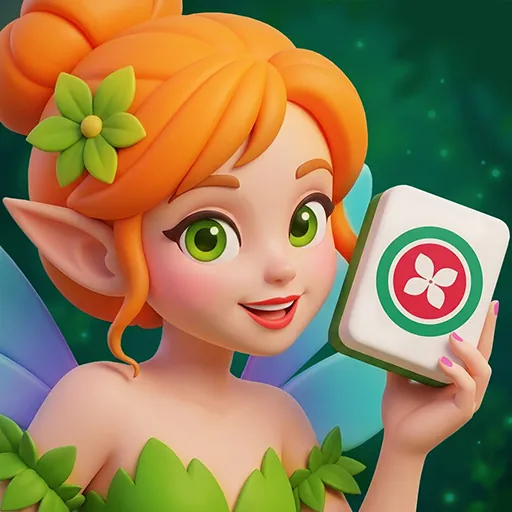
Match tiles into your 4-slot Basket before it fills up across 400+ enchanted forest levels. Use Hints, Undo, Shuffle, and Forest Pull when you’re stuck.
Magical Forest Mahjong puts a basket-based twist on classic mahjong matching. Instead of pairing tiles directly off the board, you tap tiles into a 4-slot Basket and match pairs there before the slots run out. Fill all four slots without completing a pair and you’re stuck.
About Magical Forest Mahjong
The game runs across 400+ levels organized into chapters, with each chapter introducing a new tile set. Three special tile types change how you approach each board. Hidden Tiles are concealed until you reveal them. A Mystery Tile shows you one half of a pair and then its partner flies onto the board automatically once you find it. Countdown Blockers must be cleared one tile at a time before they open up.
Between levels, two progression systems keep you coming back: a Daily Victories streak and the Charm Bloom leaderboard.
How to Play Magical Forest Mahjong
Tap a tile to send it into your Basket. When two matching tiles sit in the Basket together, they clear. The danger is filling all four slots with tiles that don’t pair with each other, which blocks further play.
Four tools help when the board turns against you. Hint highlights a useful move. Undo reverses your last tap. Shuffle rearranges available tiles. The magical Forest Pull is a special recovery tool for tight spots.
Tips for Magical Forest Mahjong
- Watch your Basket before tapping. If three slots are already filled with unmatched tiles, only tap a tile that pairs with one already in the Basket.
- Use Countdown Blockers early. Each one requires individual taps to clear, so chipping away at them before they crowd the board keeps your options open.
- Save Forest Pull for real jams. It’s the most powerful recovery tool, so hold it until Hint, Undo, and Shuffle can’t resolve the situation.
Game Controls
- Mouse Left Click - Tap tiles, select options, and interact with menus