




Geometry Dash Slaughterhouse
Geometry Dash Slaughterhouse is an Extreme Demon level with tight jumps, shifting game modes, rapid speed changes, and a dark red-and-black horror factory style.
About Geometry Dash Slaughterhouse
Geometry Dash Slaughterhouse is an Extreme Demon level built around precise rhythm-platforming. You guide an icon through spikes, portals, floating platforms, tight paths, and changing gravity while the level’s speed increases. Its dark red-and-black horror factory style matches the intense EDM and dubstep soundtrack.
The level was created by icedcave and verified by Doggie. It is designed for experienced Geometry Dash players rather than beginners, with progress measured in small sections because a single missed input can end the attempt.
How to Play Geometry Dash Slaughterhouse
The run begins with the icon moving forward automatically. Tap at the right moment to jump over hazards, trigger orbs, and use jump pads. The music helps establish the timing, but later sections demand prediction and memorized patterns instead of last-second reactions.
Slaughterhouse switches between cube, boat, wave, small wave, ball, and UFO modes. Each mode uses different movement physics. The famous river wave section pushes you through extremely tight spaces while size and gravity change quickly, so practice each part before attempting full runs.
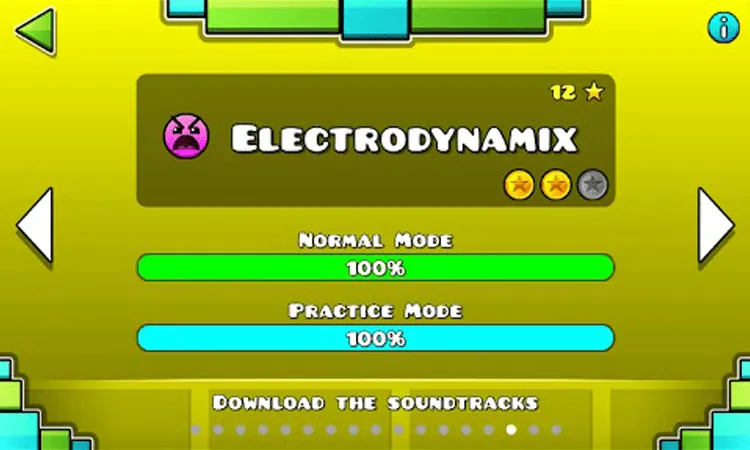
A collision with a spike or a missed jump resets the attempt. The progress counter shows how far you have reached from 0% to 100%, while the attempts counter tracks your tries and Your Best % records your highest progress. The level is complete when the progress counter reaches 100%.
Tips for Geometry Dash Slaughterhouse
- Learn the pattern before relying on reaction speed. Predict the next jump, mode change, or gravity shift before the obstacle reaches you.
- Work on one section at a time. The river wave section needs repeated practice because its tight spaces and rapid changes leave little room for correction.
- Use the pause slider to study an upcoming section without the run continuing.
- Turn on Noclip to inspect the course and memorize click timing without dying on contact, then return to normal runs for scored progress.
- Listen for the beat during jumps and orb inputs, and keep your taps controlled during fast sequences.
Game Controls
- Left-click, Space, or Up Arrow - Jump, activate orbs, and use jump pads when timed correctly.
FAQ
What is Geometry Dash Slaughterhouse?
It is an Extreme Demon level in Geometry Dash known for precise timing, multiple game modes, tight obstacles, and a dark horror factory presentation.
What game modes appear in Slaughterhouse?
The level includes cube, boat, wave, small wave, ball, and UFO sections. Each mode has different movement physics and timing demands.
What is the river section?
The river is a difficult wave section with extremely tight spaces, rapid size changes, and gravity shifts. It requires memorized inputs and very precise timing.
Can beginners start with Slaughterhouse?
Slaughterhouse is aimed at highly experienced Geometry Dash players. Beginners should build their skills on easier levels before attempting this Extreme Demon.
How do the practice tools help?
The pause slider freezes the level so you can inspect upcoming obstacles. Noclip prevents obstacle collisions from ending the run, which helps you study the route and memorize timing.