
Geometry Dash Scratch
Guide a geometric character through spikes, gaps, and moving platforms with precise jumps. Geometry Dash Scratch rewards rhythm, patience, and timing.
About Geometry Dash Scratch
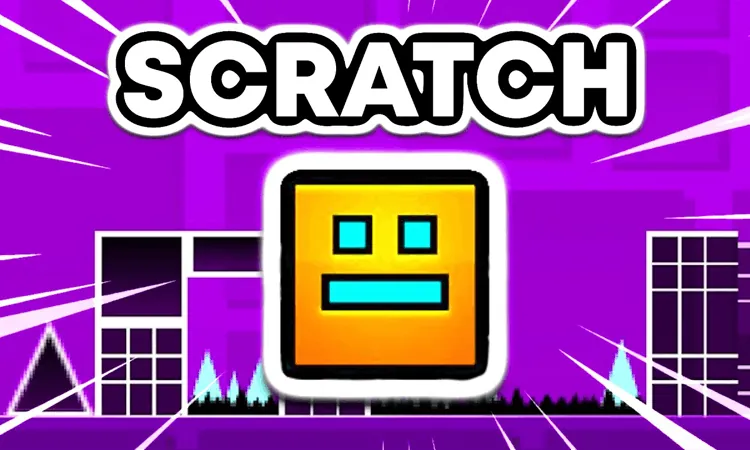
Geometry Dash Scratch is a rhythm-based platformer where you guide a geometric character to the end of each level without crashing. Press once to jump or fly, then match your timing to the level’s rhythm as spikes, gaps, moving platforms, and denser obstacle patterns appear.
The Scratch version also centers on player-made challenges. A level editor lets creators arrange obstacles, add backgrounds, sync music, and share their designs. That means the available courses can range from carefully designed visual stages to demanding obstacle sequences.
How to Play Geometry Dash Scratch
Your main decision is when to press and release the jump control. Tap too early or too late and the character hits an obstacle or falls into a gap. As a level continues, obstacles appear more often and become more complex, so the same control demands faster, more precise reactions.
Use the soundtrack as a timing cue when it matches the obstacle pattern. Learn one difficult section at a time, and stay calm after repeated crashes; each attempt helps you recognize where the next jump needs to happen. Work through easier rhythm and speed sections before tackling denser obstacle chains.
Tips for Geometry Dash Scratch
- Watch the next obstacle: Look beyond the character so you can prepare the next jump instead of reacting at the last moment.
- Use the beat: When the level’s traps follow the music, listen for the rhythm to help time your input.
- Practice difficult sections: Repeated crashes show which part of the route needs a different jump timing.
- Stay patient: Frustration makes precise timing harder, especially when a late obstacle follows a long sequence.
Game Controls
- Spacebar - Jump or fly
- Left mouse button - Jump or fly
FAQ
What is the goal in Geometry Dash Scratch?
Guide the geometric character to the end of a level while avoiding spikes, gaps, moving platforms, and other obstacles.
How do you jump in Geometry Dash Scratch?
Press the spacebar or click the mouse to make the character jump or fly.
Does Geometry Dash Scratch include custom levels?
Yes. The Scratch version supports player-created levels, and its editor lets creators arrange obstacles, add backgrounds, and sync music.
Why do later sections feel harder?
Obstacle frequency and complexity increase as you progress, leaving less time to react and demanding more precise timing.