




Geometry Dash Retray
Guide a shifting character through Geometry Dash Retray, timing jumps, gravity changes, and flight sections to dodge obstacles and reach the finish.
About Geometry Dash Retray
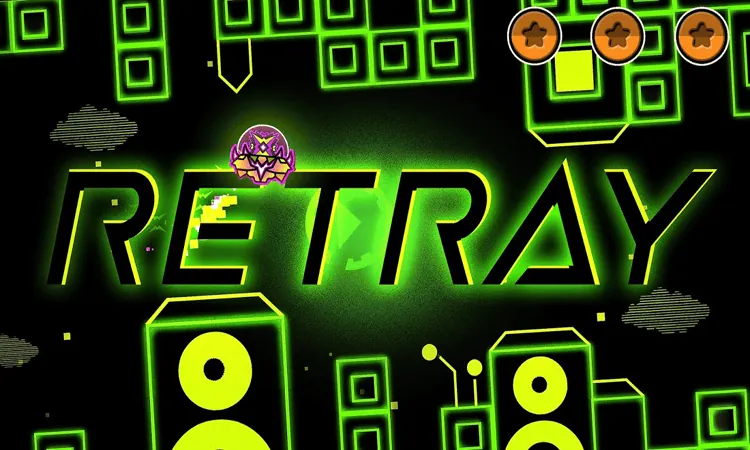
Geometry Dash Retray is a beginner-friendly rhythm platformer where your character moves forward automatically through neon obstacles. Time each jump to the music, avoid spikes and gaps, and reach the finish without colliding with a hazard.
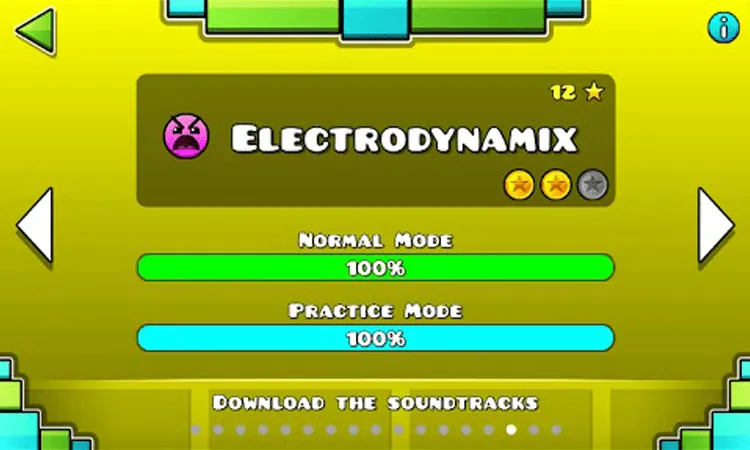
The level shifts between three core forms: the Cube jumps over obstacles, the Ship flies through open corridors, and the Ball flips between the floor and ceiling. Its glowing yellow and cyan blocks stand out against a dark background, while three hidden coins reward players who explore the route more carefully.
How to Play Geometry Dash Retray
Start with the Cube and tap to clear spikes, gaps, and other ground hazards. When a jump orb appears, press as you reach it so the Cube bounces across wider gaps. The automatic forward movement means your main decision is when to press, not when to move horizontally.
The Ship rises while you hold the control and descends when you release it. Use short, steady holds to stay centered and avoid the corridor walls. In the Ball section, each press reverses gravity, so wait until you can see a safe surface before switching from the floor to the ceiling or back again.
Normal Mode tests the full run, while Practice Mode lets you place checkpoints at difficult transitions. Use those checkpoints to repeat a vehicle change or obstacle pattern instead of restarting from the beginning. The progress bar can also help you anticipate upcoming portals and coin locations.
Tips for Geometry Dash Retray
- Listen for the beat. Jump orbs and rings often line up with the music, so the rhythm can help you judge the timing.
- Look ahead rather than reacting only to the obstacle directly in front of you. Narrow passages and form changes are easier to handle when you prepare early.
- Keep Ship inputs brief when the corridor gives you room to adjust. Holding too long sends the Ship upward.
- In Ball sections, wait for a clear landing surface before tapping. An early gravity flip can send you into a block or ceiling spike.
- Use Practice Mode to learn the visual cues around each transition and build a consistent sequence of inputs.
Game Controls
- Click or Spacebar - Jump or change direction, depending on the current form.
- Hold - Keep the Ship rising while flying.
- Release - Let the Ship descend and control its movement.