







Geometry Dash Bit By Bit
Choose a stage, set the speed, and guide your cube over spikes, pits, and blocks with timed jumps. Practice slowly, then push your reflexes.
About Geometry Dash Bit By Bit
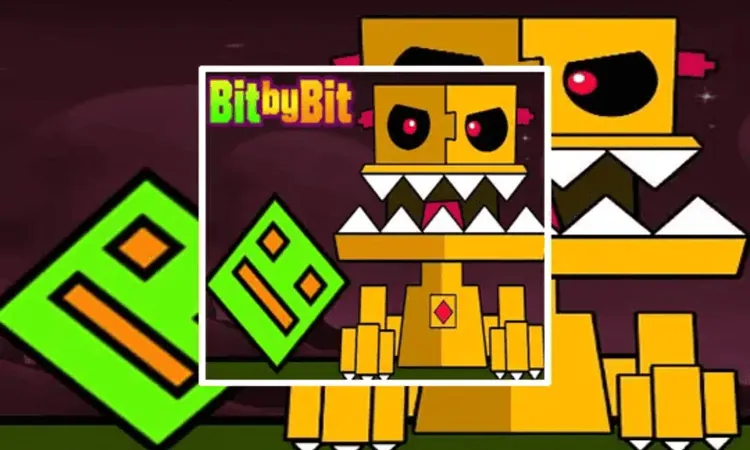
Geometry Dash Bit By Bit is an arcade rhythm game where you guide a cube through neon stages filled with spikes, deep pits, and geometric blocks. Choose a map such as Iron Planet, Dark Forest, or Factory, then adjust the speed before the run begins.
Four speed settings shape the challenge: 0.2x, 0.5x, 1.0x, and 2.0x. The 1.0x setting matches the standard Geometry Dash pace, while slower settings give you time to learn a route and 2.0x demands faster reactions. You can also customize the cube’s appearance and track your highest completion percentage for each stage.
How to Play Geometry Dash Bit By Bit
Pick a stage and select a starting speed. Press or hold the jump control to clear obstacles, balance in the air, and bounce from jump pads when the route requires it. A single hit sends the cube back to the starting line, so each attempt depends on recognizing the pattern and timing the next jump.
Start at 0.2x to learn the track, then move to 0.5x and 1.0x as the route becomes familiar. The music provides a useful timing cue, but keep your attention a few steps ahead of the cube so you have time to react to spikes and surprise traps. Once the stage feels consistent, try 2.0x and work on improving your completion record.
Game Controls
- Left-click - Jump
- Spacebar - Jump