


Charger City Driver
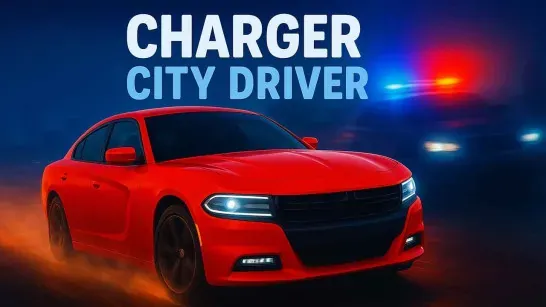
Roam a neon-lit city in a muscle car, drift through trigger points, launch off ramps, evade police, manage fuel, and upgrade your ride.
About Charger City Driver
Charger City Driver puts you behind the wheel of a muscle car in a neon-lit city at night. You roam the open map, drive to marked trigger points, and earn cash by drifting, performing ramp stunts, or dealing with police pursuits. A puppy rides along during parts of the game.
The city also gives you room to explore between challenges. Customize and upgrade the car’s appearance and performance with the cash you earn, but keep an eye on fuel because an empty tank sends you to a gas station before you can continue.
How to Play Charger City Driver
Choose Drift Mode, Stunt Mode, or Police Mode from the on-screen buttons, then drive to the relevant trigger point. Drift Mode rewards controlled, sustained slides through corners with drift points. Stunt Mode asks you to reach the displayed target speed before launching from a ramp; going too fast or too slow reduces the quality of the jump and its cash reward.
Police Mode adds pursuit risk to the driving. Avoid pedestrians because hitting two starts a police chase, and refuel before the gauge reaches empty. In Drift Mode, hold the slide through the wider part of a corner instead of ending it with a short tap. In Stunt Mode, match the target speed before the ramp rather than simply approaching it at full speed.
Game Controls
- WASD or Arrow Keys - Drive, steer, brake, and move on foot
- Mouse - Look around
- C - Change camera view
- E - Enter or exit the car