





Winter Mine Blocks
Build an icy world in Winter Mine Blocks. Break and place blocks, switch items, fly over tall structures, light caves, and save your work.
About Winter Mine Blocks
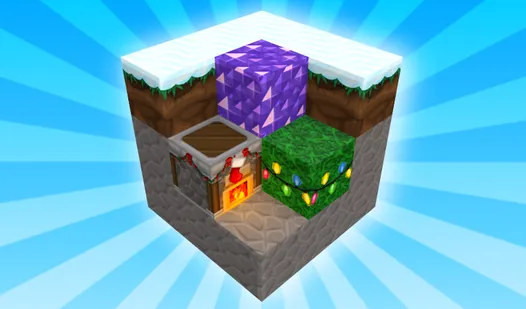
Winter Mine Blocks is a casual sandbox set in a snowy world. Break blocks, place new ones, and shape the landscape into an ice fort, tower, or any other structure you want to build.
The white surroundings make colorful blocks stand out, while slippery movement on ice affects how quickly you can cross your map. Flight mode helps you reach high corners without temporary stairs, and the lighting toggle can brighten darker ice caves.
How to Play Winter Mine Blocks
Use the WASD keys to move around, then aim at a block with the mouse. Left-click breaks a block; right-click places the selected item. Press the number keys to switch items quickly, or use Q and E to move through inventory pages.
Press Space to jump and Shift to sprint across the snowy map. Keep your movement under control near a planned build so you don’t miss the placement point. Press F to toggle flight mode when you need to work above the ground or inspect the top of a structure.
The L key toggles manual lighting for darker areas. Press P to open the menu and save your progress before leaving a larger build unfinished.