





Rifle Duty FPS
Clear a guarded military facility in Rifle Duty FPS. Choose a difficulty, track enemies, manage ammo, and use cover while you fight through corridors.
About Rifle Duty FPS
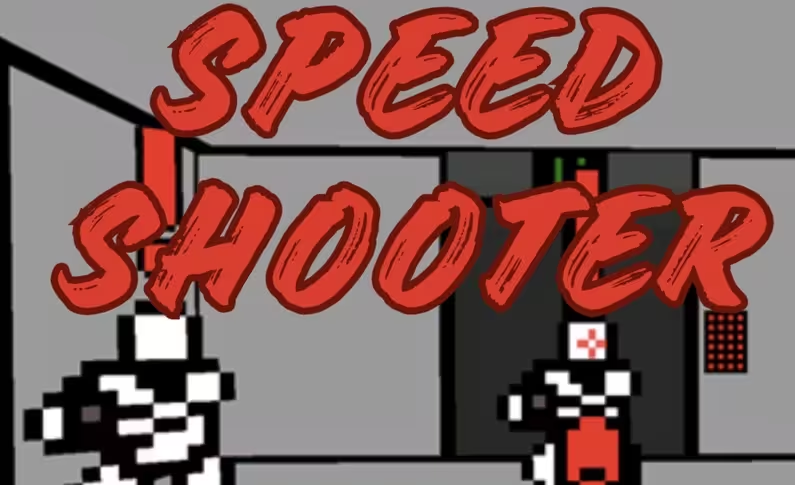
Rifle Duty FPS is a 3D first-person shooter set inside a guarded military facility. You enter with a rifle, hunt down enemy soldiers, and try to clear the area while keeping your health above zero. Corridors, open areas, and elevated structures create different sightlines, so your position matters as much as your aim.
Before combat starts, choose Easy, Normal, or Hard. The combat HUD shows your health, ammunition, and the number of enemies still standing.
How to Play Rifle Duty FPS
Move through the facility with your crosshair ready, especially near corners, doorways, and open sections where enemies may appear. Your main objective is to eliminate every opposing soldier. The enemy counter tracks your progress as targets are removed.
Incoming fire drains your health bar. Use walls and other solid structures for cover instead of staying exposed, and find a safe moment to reload before entering the next area. Ammunition is limited, so accurate shots are more useful than spraying at distant or uncertain targets.
Tips for Rifle Duty FPS
- Start on Easy to learn the facility layout and shooting mechanics before raising the difficulty.
- Keep your crosshair around chest height when approaching corners and doorways so you are ready for a close encounter.
- Step behind walls or crates during firefights when you need to reduce incoming damage or reload.
- Check the ammunition display regularly and avoid low-probability shots that could leave you without bullets.
Game Controls
- WASD / Arrow keys - Move
- Mouse - Look around and aim
- Left mouse button - Shoot
- L - Lock or unlock the mouse cursor
- Pause Button - Pause the game