




Geometry Arrow 2
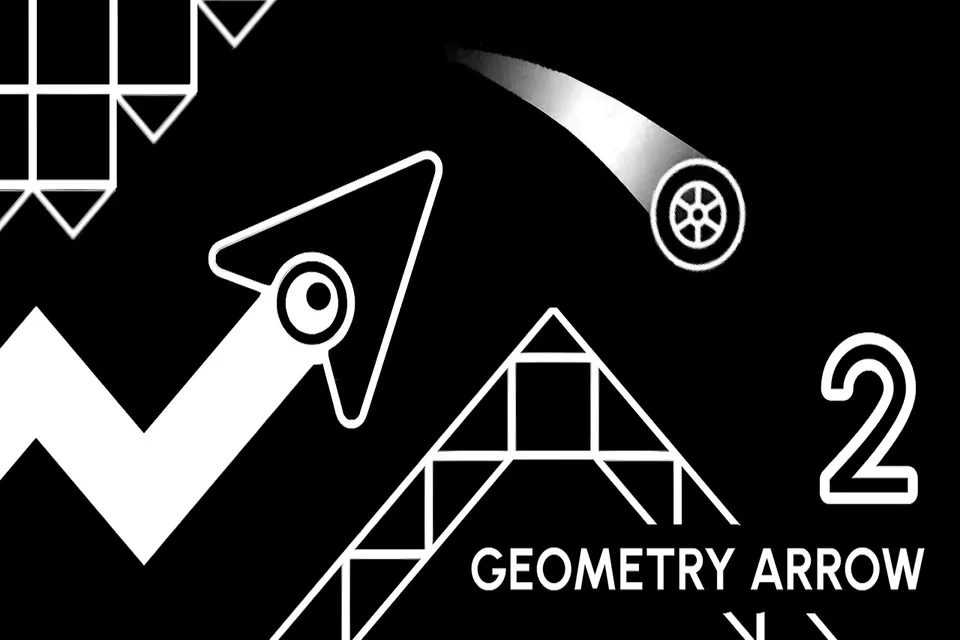
Geometry Arrow 2: a rhythm-based arcade game where you control Arrow or Wheel through 6 intense levels full of obstacles. Precision and timing are key.
Geometry Arrow 2 pulls you into a neon arcade arena where every second tests your control and awareness. The screen scrolls forward relentlessly, filling the path with spikes, gaps, and shifting hazards. Survival depends on accuracy, not speed. Each attempt feels tense and focused. How far can your control carry you?
About Geometry Arrow 2
Geometry Arrow 2 is a rhythm-based arcade game where you guide a character through scrolling obstacle courses set to music. Play as the classic Arrow or the new Wheel, each with unique movement mechanics. Six intense levels demand precise timing and quick adaptation. It’s a high-energy challenge for fans of Geometry Dash and rhythm games.
This sequel introduces jump pads, orbital tracks, and dual-character switching. The neon visuals and beat-synced gameplay create a hypnotic experience that rewards pattern learning and calm reflexes.
How to Play Geometry Arrow 2
The goal is to reach the end of each level without hitting obstacles. The screen auto-scrolls, so you must time your moves to avoid spikes, gaps, and hazards. You control either the Arrow (vertical movement) or the Wheel (rolling inertia). Each character handles differently, requiring you to adapt. Progress through six stages of increasing difficulty. A single mistake resets the run, so learn patterns and refine your timing.
Tips for Geometry Arrow 2
- Watch obstacle spacing closely to plan movements early.
- In Wheel mode, remember momentum continues-release inputs earlier.
- Use short holds for precise control in dense spike patterns.
- Treat failed runs as pattern study, not frustration.
Game Controls
- Spacebar / Left Mouse Click - Jump or move
- ESC - Exit level
- Tap (Mobile) - Jump or move
FAQ
What is the difference between Arrow and Wheel?
Arrow moves vertically with smooth rises and drops. Wheel uses rolling inertia, so it continues moving after you release the button.
How many levels are there?
Geometry Arrow 2 features 6 intense levels.
Is there a rhythm element?
Yes, levels are synchronized to music, and timing your moves to the beat can help.
Can I play on mobile?
Yes, tap the screen to jump or move.